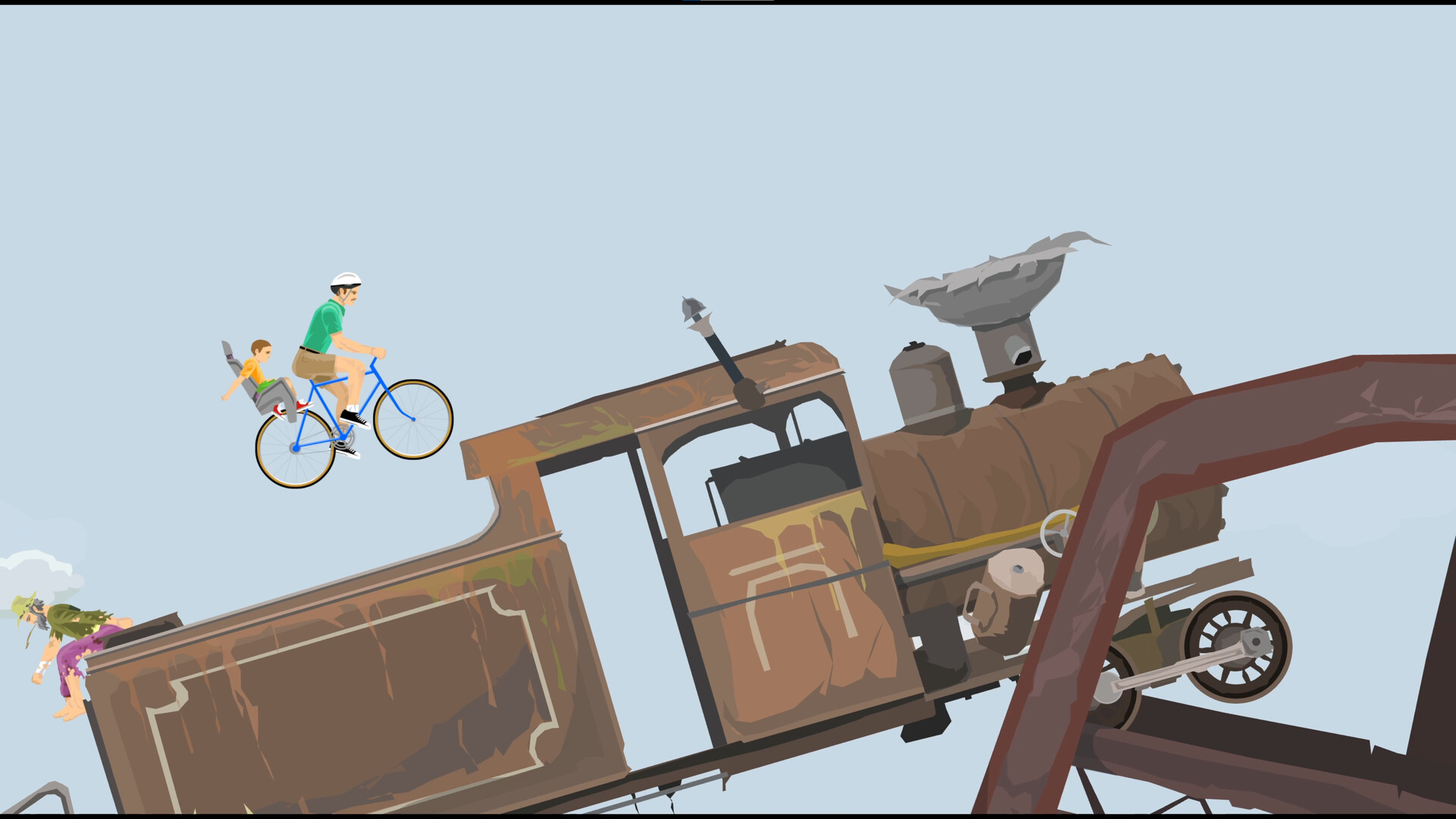
Check PC requirements and Deck support separately
For a low-spec PC, start by comparing your hardware with the listed minimums: both Windows and Linux require an Intel Core i3 / AMD equivalent at 2.0 GHz or better and 4096 MB RAM.
For Steam Deck, Happy Wheels lists Partial Controller Support, and the developer says improvements to controller and Steam Deck play will continue after launch. Check Deck certification separately from these controller-support and development details.
The announced post-launch updates also include offline support, achievements and bug fixes.
Compare the Windows and Linux minimums
Before installing, check your operating system against Windows 10 64-bit or later, or the Linux baseline of glibc 2.31 / Ubuntu 20.04.
Check that your PC has 4096 MB RAM, a GPU with WebGL / DirectX 11 support at Intel HD Graphics 4000 level or better, and 1024 MB available storage. The Windows minimums also explicitly list DirectX Version 11.
| Windows minimum requirements | Linux minimum requirements |
|---|---|
| Operating system: Windows 10 64-bit or later. | Operating system: glibc 2.31 / Ubuntu 20.04. |
| Processor: Intel Core i3 / AMD equivalent, 2.0 GHz or better. | Processor: Intel Core i3 / AMD equivalent, 2.0 GHz or better. |
| Memory: 4096 MB RAM. | Memory: 4096 MB RAM. |
| Graphics: Any GPU with WebGL / DirectX 11 support (Intel HD Graphics 4000 or better). DirectX: Version 11. | Graphics: Any GPU with WebGL / DirectX 11 support (Intel HD Graphics 4000 or better). |
| Storage: 1024 MB available space. | Storage: 1024 MB available space. |
| Sound card: Windows-compatible sound card. | Sound card: Linux-compatible sound card. |