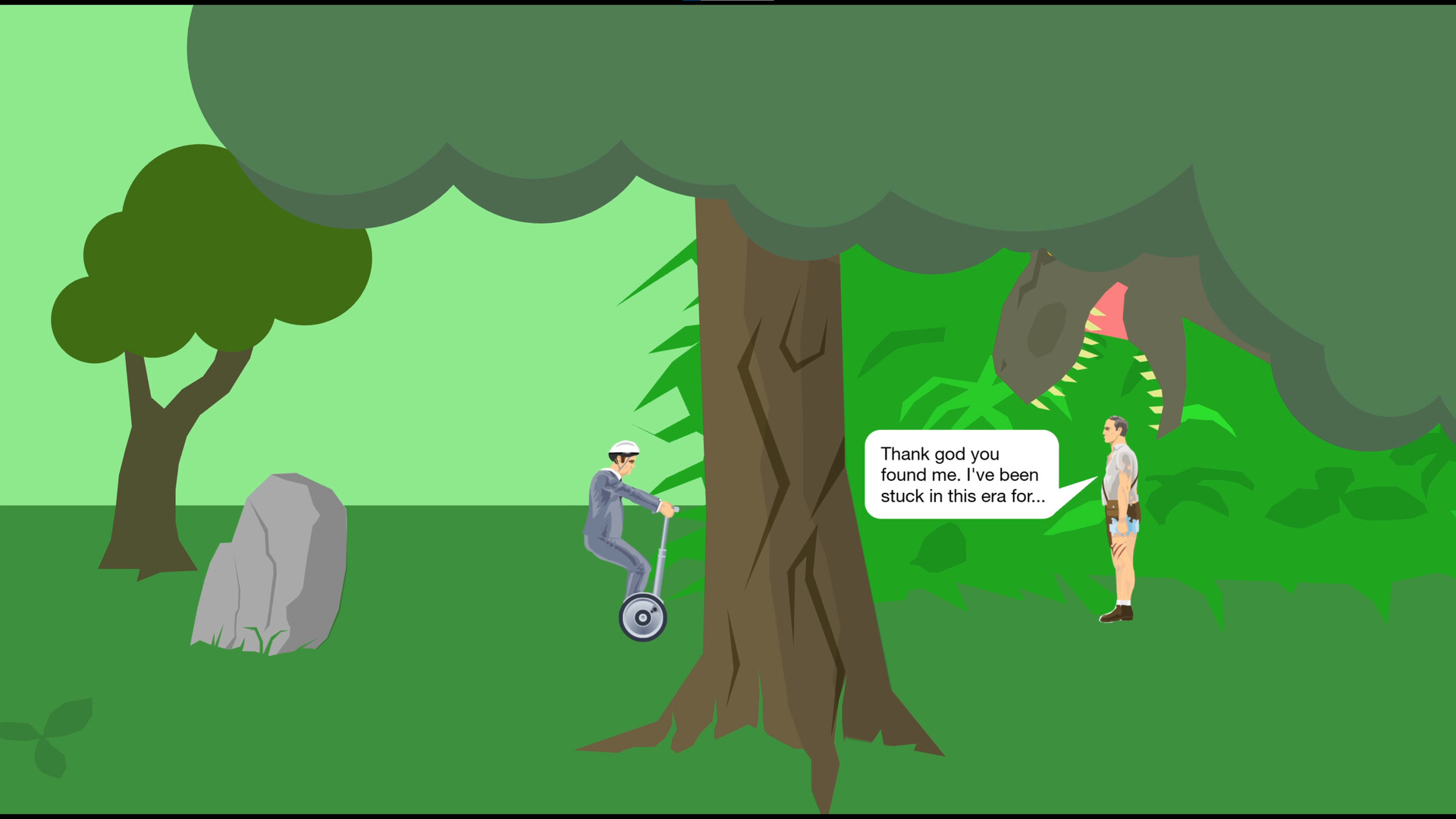
Start a featured level and follow its goal
Choose Play, select a featured level, and click Play Now to begin. Hold Up to accelerate, use Down to brake or reverse, and use Left and Right to lean backward and forward when riding a two-wheeled vehicle.
Follow the level's objective: reach the finish when one is present, or collect all the tokens when that is the goal. Most levels have a finish line, but some have no set objective.
Drive through your first course
- Open Play from the main menu, choose a featured level, and select Play Now to start the run.
- Check the controls at the bottom of the game window. If you want to change the keyboard mappings, open Options, then Customise Controls.
- Hold Up to accelerate forward. Press Down to brake; keep holding Down to drive in reverse.
- On a two-wheeled vehicle, use Left to lean backward and Right to lean forward. Use these changes in body angle to move over obstacles.
- Work out the course's objective as you explore. Aim for its finish line when present, or collect all the tokens if that is the objective. Some levels are free-form and have no set goal.
Keep going after injuries or restart
Keep going after losing an arm or leg, even all four limbs. Your character dies when the head or torso is squished or severed. Your ragdoll can continue moving around the level after death.
After a failed run, press Tab or click the menu button in the lower-left corner. From that menu, restart the level or return to the main menu.
If you are not enjoying the course, switch to another level. Most Happy Wheels levels are created by users, so trying a different one can give you a different experience.