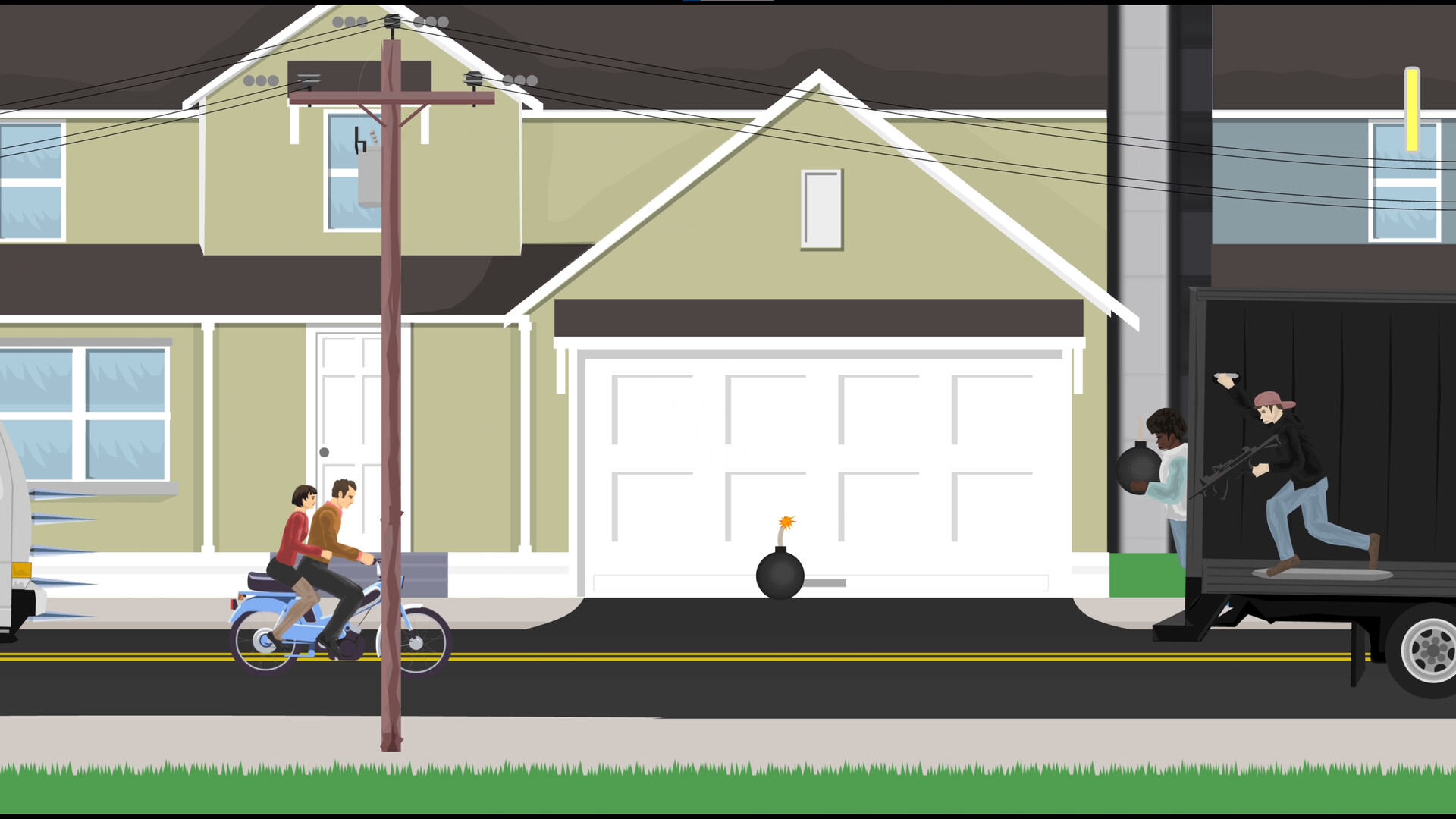
Eject and control your body
Press Z to eject from your vehicle. Once you are out, use the arrow keys, Shift, and Ctrl to move your character's arms and legs.
Walking and using your vehicle again
- How can I try to walk after ejecting?
- Try alternating Shift and Ctrl immediately after ejecting, and use the arrow keys to help manipulate your limbs. Walking is difficult: characters respond differently and often flop in place. Wheelchair Guy is the easiest character to control while walking.
- Can grabbing my vehicle let me operate it again?
- If you manage to grab your vehicle, you may be able to operate it while hanging on by your arms. This is difficult to pull off, so do not rely on it as a recovery method or expect grabbing alone to put you back in the seat.