Install the app for your device
Install Happy Wheels from the App Store for iPhone or iPad, or from Google Play for Android. Both mobile editions offer side-scrolling, physics-based obstacle courses.
If creating levels matters to you, the iOS app includes a level editor. The Android level editor is on hold.
Compare the mobile editions
| Happy Wheels on iOS | Happy Wheels on Android |
|---|---|
| Get the iPhone and iPad app through the App Store. | Get the Android app through Google Play. The Android version was released in January 2020. |
| Play more than 60 levels. | Play more than 60 levels. |
| Create your own levels in the included editor. | The Android level editor is on hold. |
For a community-level catalog comparison, the Steam edition offers more than 5 million user-created levels, lets you create and share your own, and is ad-free.
Adjust the special button and unlock more play
In the Android app, move the on-screen special button to your preferred side through Options, then Advanced Options, then "override special side". This overrides the button position for all characters.
On iOS, pass 8 or more levels in chapter 1 or chapter 2 to unlock an All Characters level.
Check the iOS characters and features
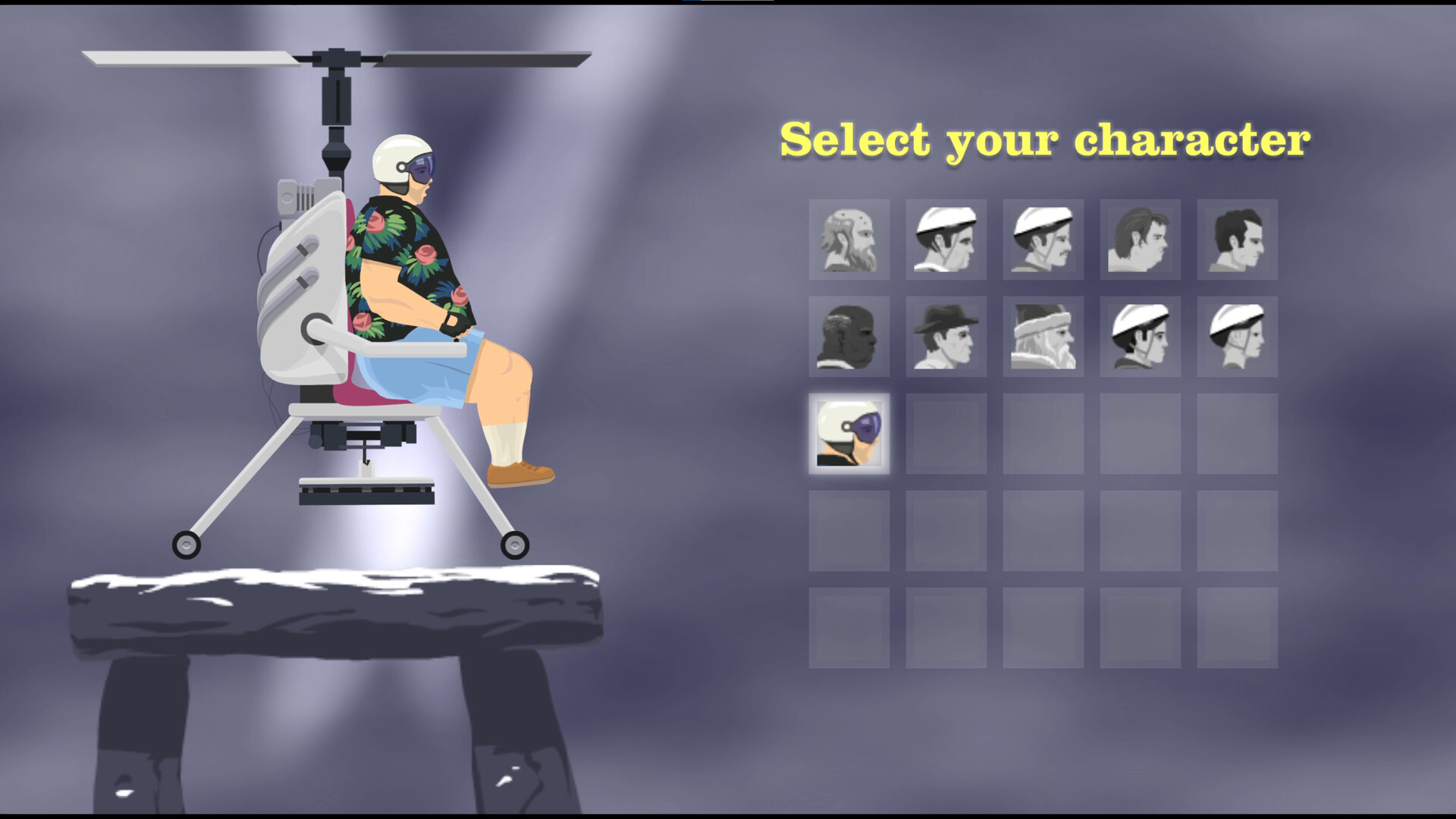
The iOS character lineup includes Pogo Stick Guy, Effective Shopper in an electric motor cart, Wheelchair Guy in a jet-powered wheelchair, Irresponsible Dad and his son on a bicycle, and Business Guy on a personal transporter.
Courses include obstacles such as spikes, mines, wrecking balls and harpoons. The iOS app also supports Game Center leaderboards.
The supported-device list starts with iPhone 4S, iPad 2, iPod Touch 5 and iPad Mini 1, or better.